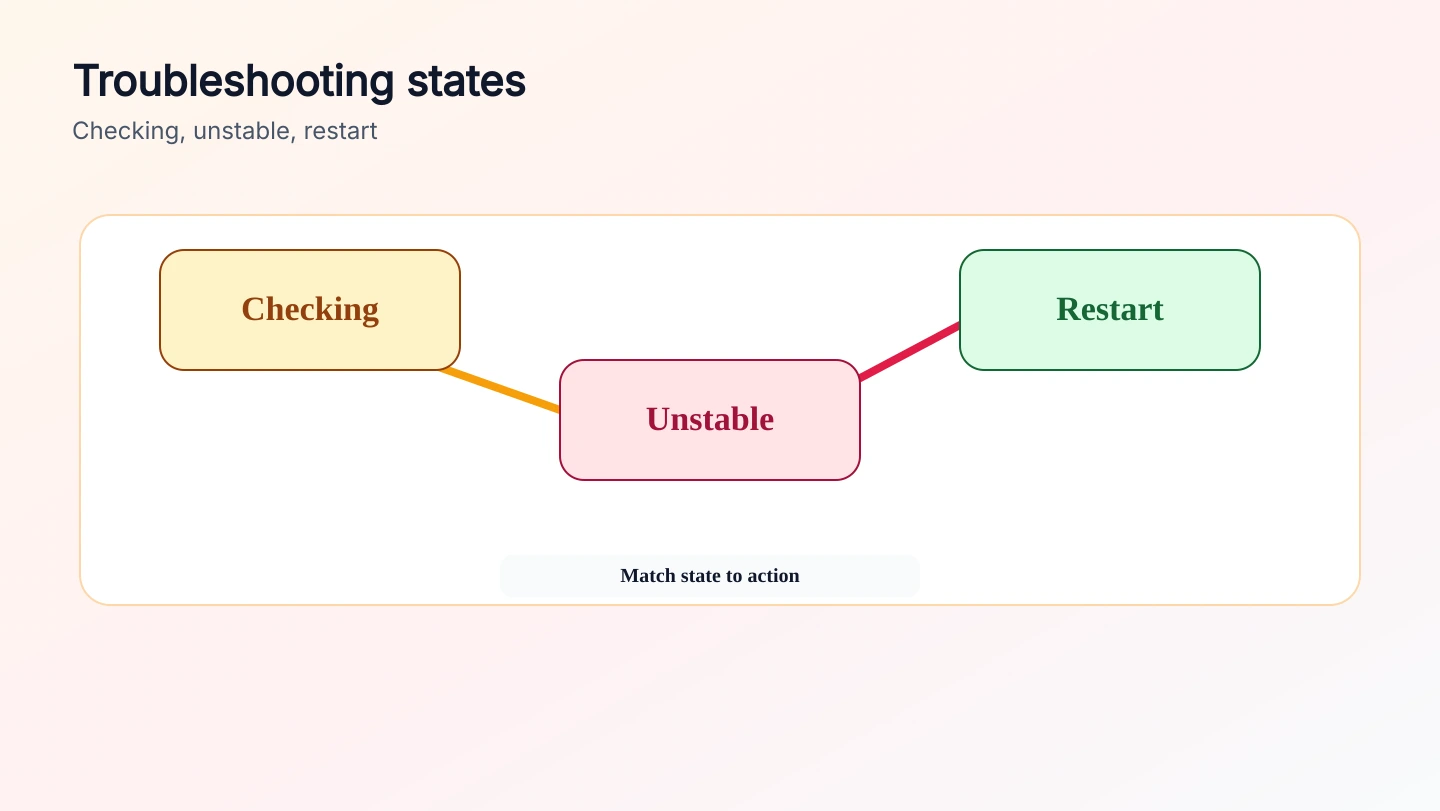
Failure states

Troubleshooting by what the transfer screen shows

Use the visible state as the diagnostic starting point. Pairing, checking, unstable routes, and restart buttons point to different causes and different next actions.

Send files
Troubleshooting by what the transfer screen shows - files24.online
Checking
the route is still being negotiated
Unstable
the peer path is changing or stalling
Restart
the row needs a fresh transfer attempt
Checking

The room pairs, but the direct route never opens

This usually means signaling worked, but WebRTC could not complete a usable peer path. The room exists, yet no file channel is ready.

  • Refresh both pages and create a fresh room to clear stale peer state.
  • Try a mobile hotspot, home network, or another browser profile.
  • Disable extensions or VPN rules that block WebRTC only if that is acceptable.
Unstable

The route opens and then keeps degrading

An unstable state points to a live route that is losing throughput, switching network conditions, or hitting browser lifecycle limits.

  • Keep both tabs visible and both devices awake.
  • Stop moving between access points while files are active.
  • Reduce parallel transfers by sending fewer large files at once if the network is weak.
Restart

A file row can no longer continue cleanly

Restart appears when the app needs a new transfer attempt for that row. It is useful while the sender still has the file and the peer session is not fully gone.

  • Use restart for a failed row before closing the sender tab.
  • Create a new room if both browsers reconnected from scratch.
  • Ask the receiver to confirm completed files before removing source files.