Security boundaries

What the direct-transfer security model protects

The design reduces server custody of your files, but it does not replace good device hygiene or recipient verification. Treat the room code like a short-lived handoff secret.

Send files
What the direct-transfer security model protects - files24.online
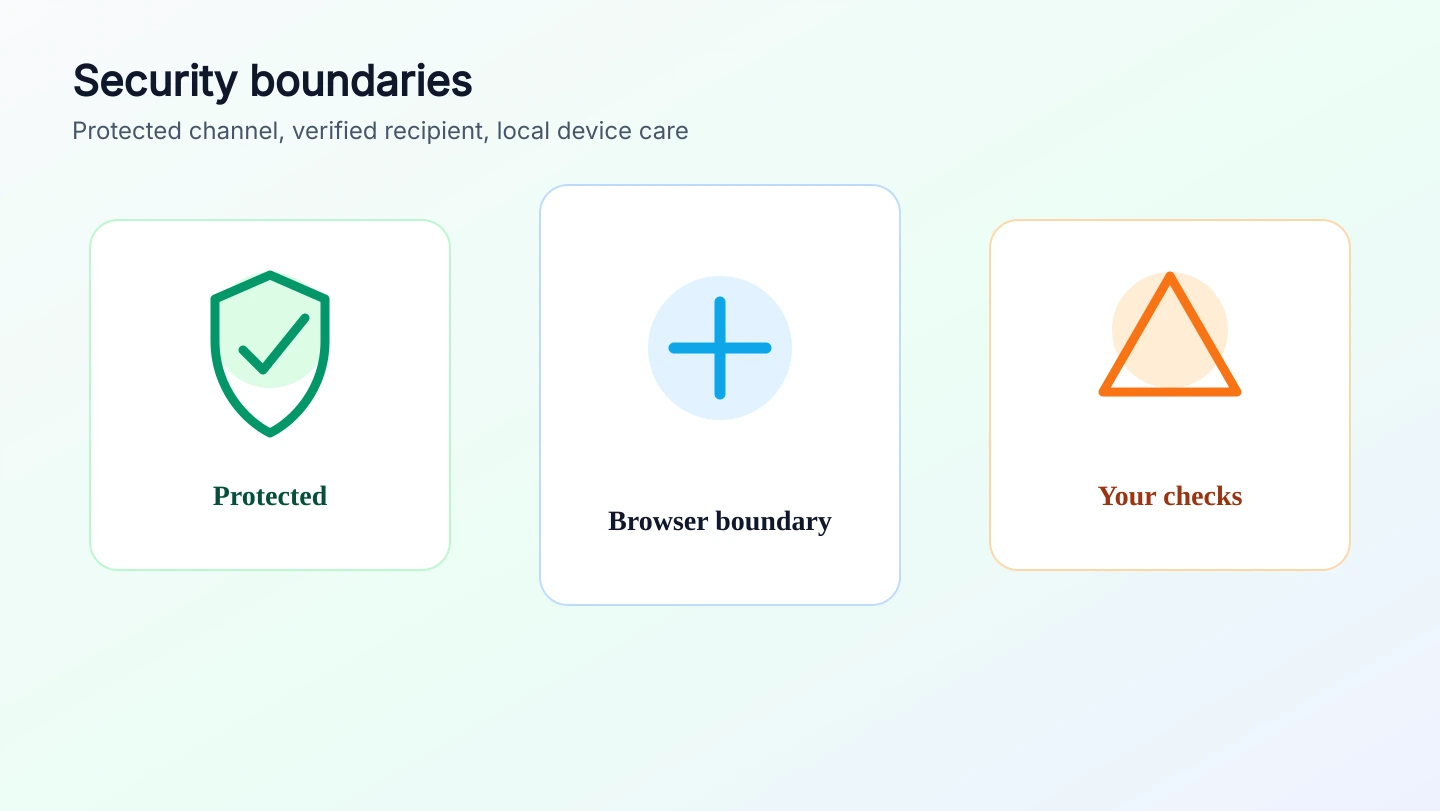
Protected
file bytes avoid application-server storage
Not covered
compromised devices or wrong recipients
Your check
verify the room before sending sensitive data
Protected

The application server is not a file mailbox

File content is streamed through the browser data channel rather than uploaded for later pickup. That removes the most common server-side storage exposure from the workflow.

  • The public app does not provide server-side file custody.
  • Completed downloads are handled by the receiver browser and device.
  • A closed room leaves no server copy to retrieve later.
Boundary

Local devices and people are still part of security

A direct route does not make an unsafe device safe and does not prove that a room code reached the right person. The browser can protect the channel, not your operational choices.

  • Do not send sensitive files from shared or untrusted devices.
  • Confirm the code with the recipient through a trusted channel.
  • Downloaded files follow operating-system and browser behavior.
Action

Use short sessions deliberately

Open a room only when both sides are ready, keep the transfer visible, and close the room when you are done. Clear local site data if the device should not keep transfer history.

  • Use a fresh room for each sensitive exchange.
  • Do not leave transfer rooms open on unattended screens.
  • Clear browser storage on shared devices after use.