Large-file guide

How to keep a large browser transfer alive

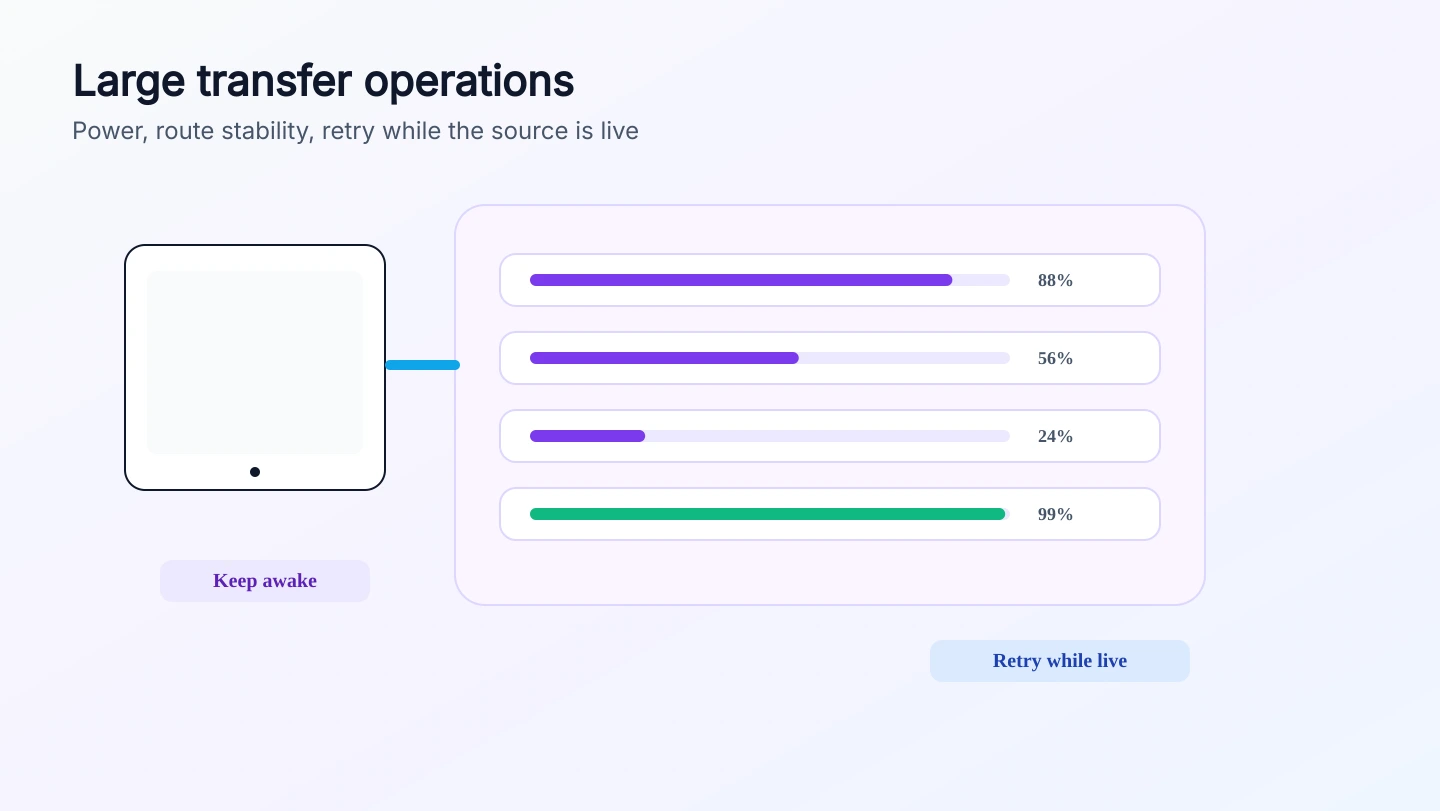
Large transfers are less about server upload quota and more about preserving a live peer route. Power, tab lifecycle, Wi-Fi stability, and retry behavior matter more than a cloud-style progress bar.

Send files
How to keep a large browser transfer alive - files24.online
Preflight
power, browser, and network ready
Live route
speed follows the peer path
Retry
works only while the sender still has the file
Before

Prepare both devices before selecting huge files

Put both devices on stable power and a stable network before starting a multi-gigabyte transfer. A browser tab is not a background sync service.

  • Disable sleep for the duration of the transfer.
  • Keep mobile browsers in the foreground when possible.
  • Prefer stable Wi-Fi or wired networking over roaming networks.
During

Watch the active route, not server bandwidth

The server is not receiving and re-uploading the file, so speed is controlled by the path between the browsers. A network switch can change or break that path.

  • Avoid moving between Wi-Fi access points during the transfer.
  • Do not close the sender tab after small files finish if a large file is still active.
  • Expect corporate and hotel networks to be less reliable for direct routes.
Recover

Retry only while the peer session can still serve the file

A retry can recover an interrupted row when the sender still has the source file and the peer session is still usable. Once both peers disconnect, create a new room.

  • Keep the original file until the receiver confirms completion.
  • Restart failed rows from the sender instead of reloading blindly.
  • Use a new room after a full disconnect or long sleep event.